
Digiscribe
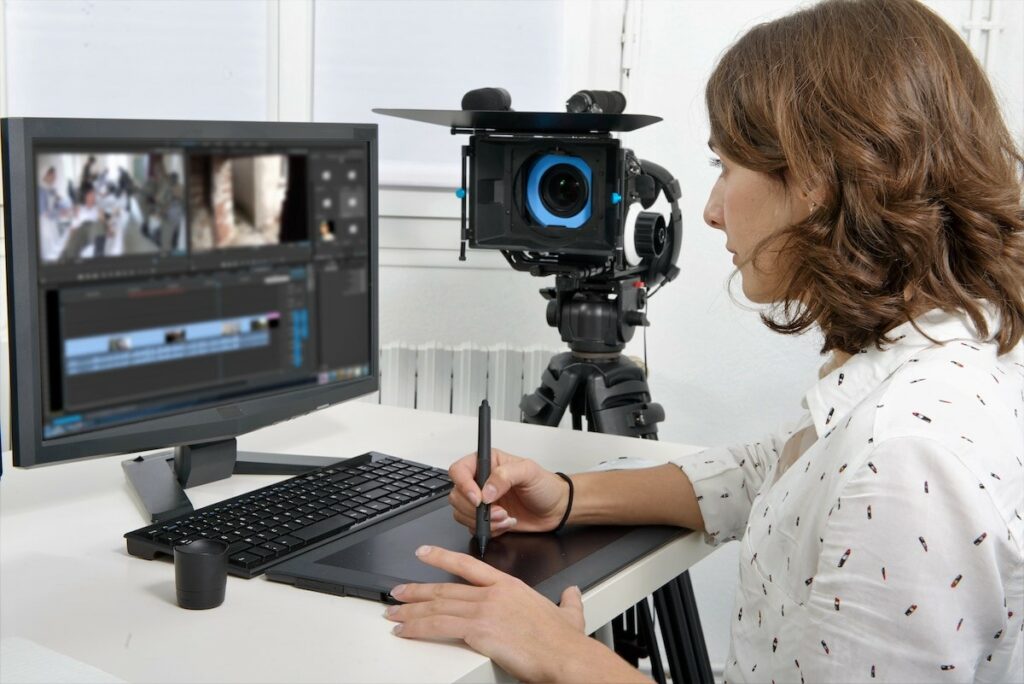
We hear you, video producers
Audio and video transcription. Secure. Accurate. On time.
Copytalk DigiScribe produces crisply-formatted transcriptions of everything from conversations to uploaded media. We memorialize meetings, interviews, conference calls, and webinars for either documentation or integration into an enterprise captioning workflow.
With features like speaker identification, time-stamping, and content research, this service memorializes any audio-visual recordings with transcriptions that can be customized to the needs of individuals, small and mid-sized businesses, and large organizations from healthcare to law enforcement to entertainment and more.
DigiScribe also memorializes audio-visual recordings with caption-ready transcriptions of conferences, interviews, podcasts, and more – saving you time and reducing production costs. We also produce online video transcriptions – documentation of all activity and dialogue contained in a video. Because no one wants to watch a ten-minute video to find the 30 seconds they need, we add time codes to permit search engines to show where in the video actions occur, or words are spoken, that are of interest to viewers.
“If it isn’t documented, it didn’t happen!”
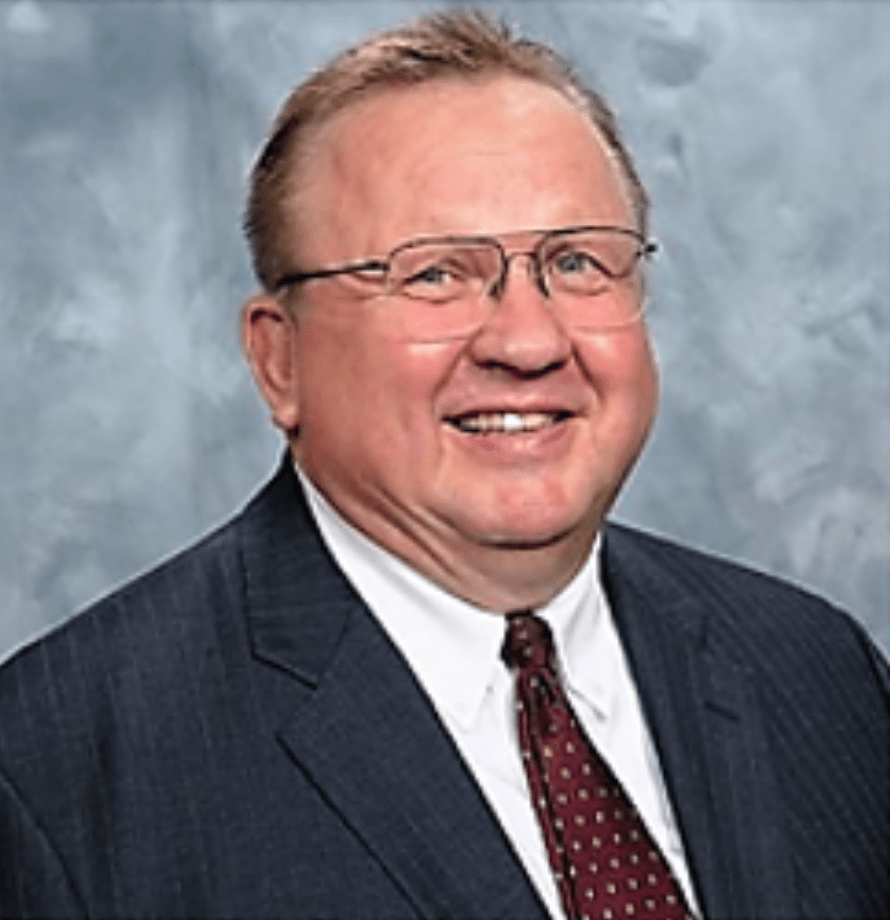
Steven Esala, ChFc, CLU, tell us about the time two FINRA inspectors paid a visit:
“I passed with flying colors, thanks to Copytalk.”
Mr. Esala, a financial consultant for Thrivent in Naples, Florida, acknowledges that his growing practice has challenged even his prodigious memory. “I used to recall exactly what happened at all of my appointments,” he said. “But as my practice has grown there have been way too many meetings to recall the specifics. I started using Copytalk five years ago. After every appointment, I dictate my notes in compliance with Thrivent protocol. I often dictate notes after telephone conversations, too.”
And, Steven, should you forget to document a client interaction, what’s your system for ensuring that it happens? “My wife reminds me.”
Steven D. Esala
Steven D. Esala, ChFc®, CLU® Financial Associate, Thrivent Financial for Lutherans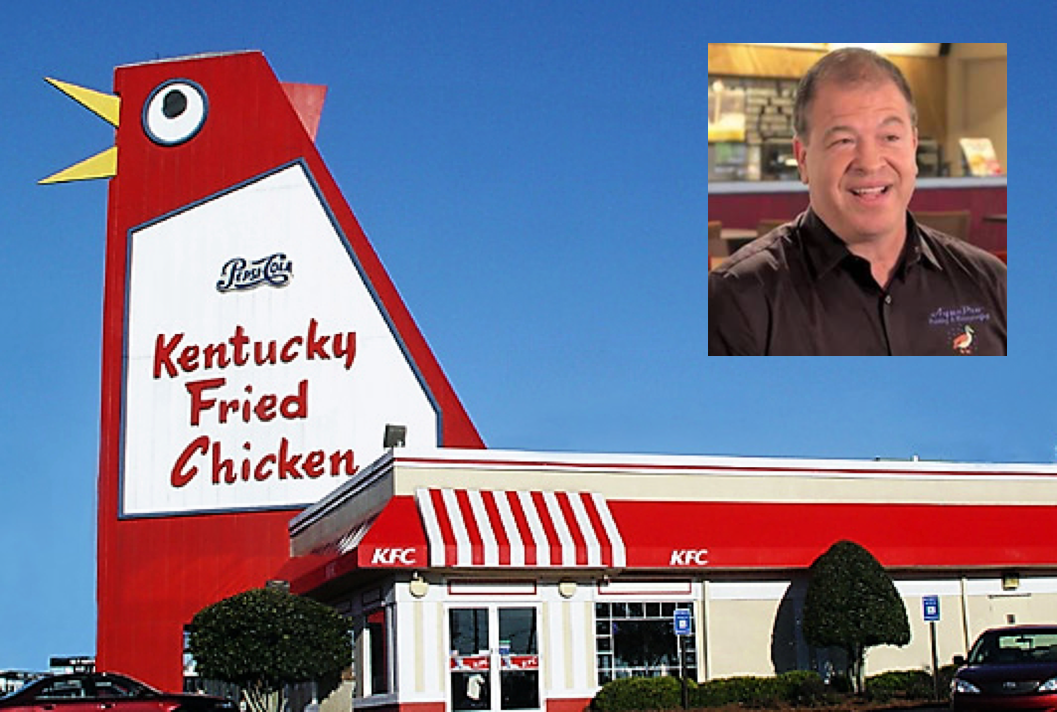
“Big Chicken” and the man who restored him: Aquapro Painting & Waterproofing President Kevin Smither.
Of Red Paint, Times Codes, and a Giant Steel Chicken
When Acquapro Painting & Waterproofing of Louisville, KY, was chosen to paint “Big Chicken” – a KFC outlet in Marietta, GA – it knew that the eyes of the community would be upon it: Fond of its 56-foot-tall “chicken,” a roadside icon, residents objected when this KFC franchisee moved to raze the structure after a storm battered the bird in 1993. (Among those who complained were pilots who used the landmark as a reference point when approaching Dobbins Air Force Base.)
So KFC franchisee KBP Foods went big, pumping an unprecedented $2 million into reconstructing the 62-year-old restaurant.
So proud was Acquapro President Kevin Smither of his role in this restoration, and rightly so, that he hired Marietta Video Productions to record the re-opening ceremony on May 11, 2017. And Marietta Video, in need of a transcription service equipped to work with time codes, chose Copytalk.
“We do a lot of interviews in our business, so we need to have everything transcribed with time codes in it,” said a spokesperson for Marietta Video. “And that was the difference. We could find other transcription services, but none that worked with time codes for video production.
“Copytalk made everything run more smoothly and reliably,” said Marietta Video. “They’re reliable and their customer service is great!”
Of Red Paint, Times Codes, and a Giant Steel Chicken
When Acquapro Painting & Waterproofing of Louisville, KY, was chosen to paint “Big Chicken” – a KFC outlet in Marietta, GA – it knew that the eyes of the community would be upon it: Fond of its 56-foot-tall “chicken,” a roadside icon, residents objected when this KFC franchisee moved to raze the structure after a storm battered the bird in 1993. (Among those who complained were pilots who used the landmark as a reference point when approaching Dobbins Air Force Base.)
So KFC franchisee KBP Foods went big, pumping an unprecedented $2 million into reconstructing the 62-year-old restaurant.
So proud was Acquapro President Kevin Smither of his role in this restoration, and rightly so, that he hired Marietta Video Productions to record the re-opening ceremony on May 11, 2017. And Marietta Video, in need of a transcription service equipped to work with time codes, chose Copytalk.
“We do a lot of interviews in our business, so we need to have everything transcribed with time codes in it,” said a spokesperson for Marietta Video. “And that was the difference. We could find other transcription services, but none that worked with time codes for video production.
“Copytalk made everything run more smoothly and reliably,” said Marietta Video. “They’re reliable and their customer service is great!”